Krypt Crosshair
Free Crosshair Overlay
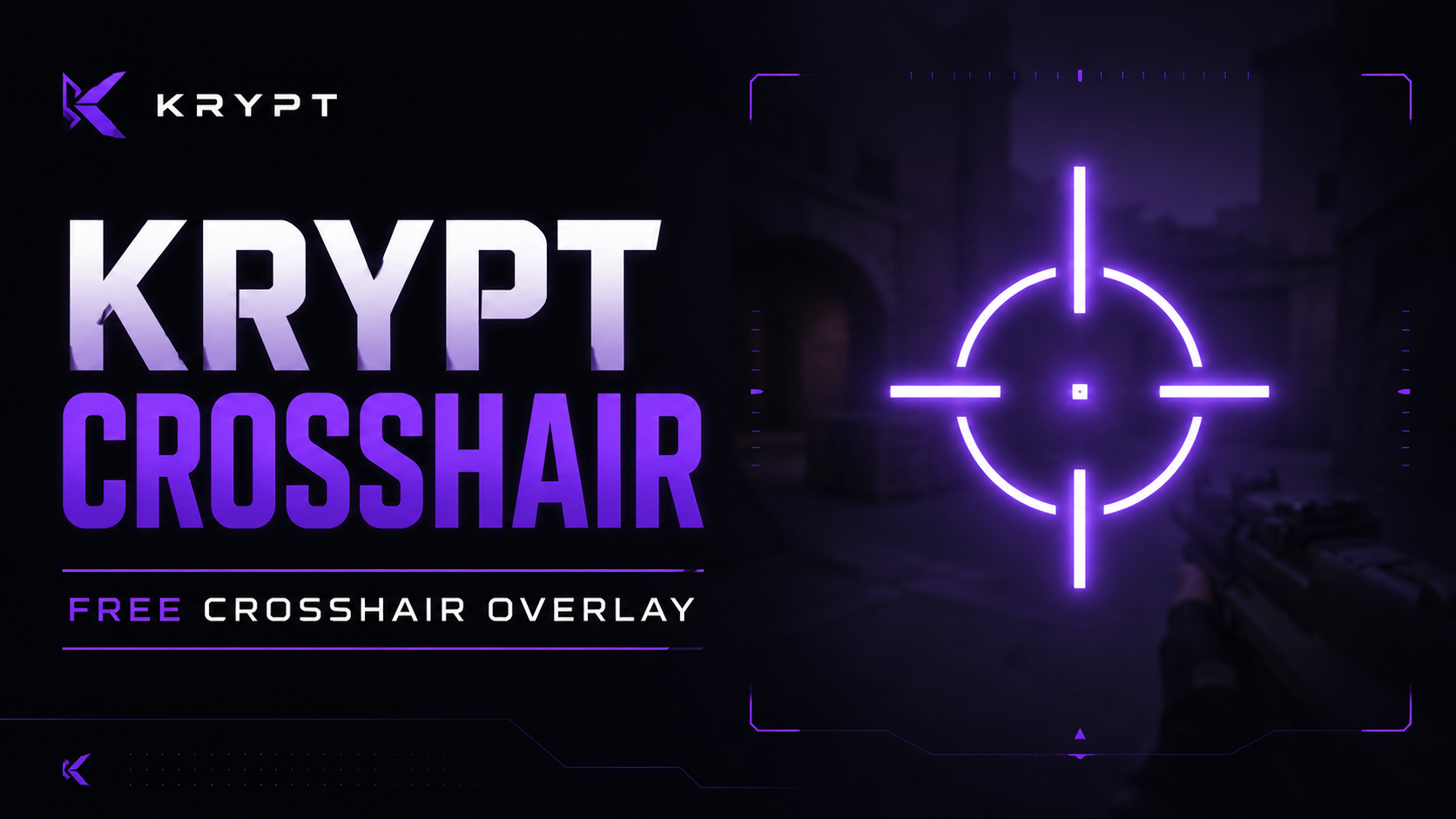
What it is Krypt Crosshair draws a fully-customizable crosshair on top of every window on your screen — game or not. It's a CrosshairX / HudGun-style tool, but open-source and with the ugly stuff (ads, watermarks, trialware) cut out.
No injection. No game-process injection, no memory reads, no driver shenanigans. The crosshair is a transparent Electron window painted on top of the Windows compositor — architecturally the same kind of window as Discord's overlay or Steam's FPS counter. (Read Anti-cheat and Terms of Service before you use it in a competitive title.) Zero latency. SVG composited by the GPU — adds no frames, no input delay. Simpler than Krypt Tweaker. No services, no registry, no admin rights. Runs fine from your downloads folder.
Features 8 shapes: cross, plus, dot, circle, T-shape, chevron, diagonal X, and a full-screen "lineup" cross for grenade / smoke / molly references Image crosshairs — upload your own PNG / JPG / WEBP / BMP and use it as the crosshair (auto-downscaled to 256px so presets stay shareable) Colour, opacity, glow, outline, dot, thickness, gap, rotation, offset Live preview in the settings window that mirrors the overlay pixel-for-pixel 32 built-in presets, grouped by how you'd actually pick one: game-authentic styles (Valorant, CS, Apex, Fortnite), weapon roles (sniper, pistol, shotgun, SMG), utility (a full-screen lineup guide), accessibility (colorblind-safe and high-contrast sets) and pure style Custom presets with one-click export / import — copy a preset string and share it in Discord, done Import a game's own crosshair code — paste a Valorant profile code or a CS2 crosshair share code and it converts straight into a preset Dynamic bloom — fire bloom (LMB) and movement bloom (WASD/Space) that expand the crosshair, driven by a native global input hook Spray patterns — record your mouse counter-movement and replay it as crosshair drift, with a quick-swap popup to hot-swap between guns Hide on ADS — the crosshair blanks itself while your aim button is engaged, so it isn't sitting on top of a scope. Bind it to right, middle or either thumb button, in hold or toggle mode to match your in-game setting Magnifier — an always-on-top live zoom lens for long-range spotting Per-game profiles — map a game's .exe to a preset and the crosshair auto-switches the moment that game takes focus (foreground-window detection, still no injection — see the Games panel) Six rebindable global hotkeys — toggle overlay, cycle presets, open settings, record spray, spray-swap popup, toggle magnifier First-launch onboarding walkthrough Multi-monitor: pick which display the overlay lives on