Back to tools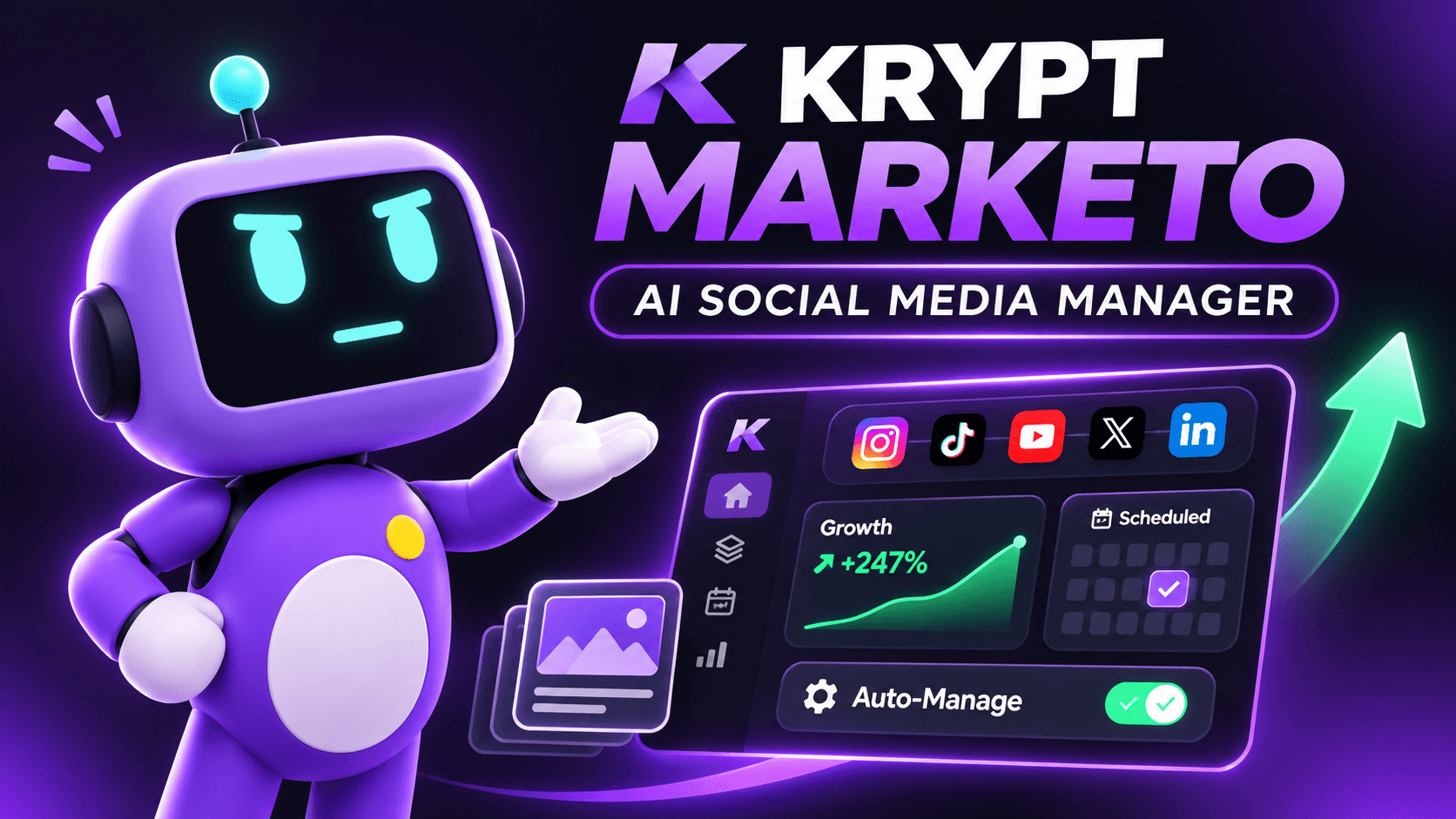
Utility
Krypt Marketo
Auto grow social media
82 downloads334 viewsUpdated 11/23/2026
Usage guide
Krypt Marketo
A desktop hub for making Instagram reels and running Instagram accounts with any AI. The AI drives it; the UI is for watching, approving and grabbing files.
- Reels: preset styles and story formats rendered to 1080×1920 MP4 on this computer, with an on-device narrator voice.
- Voices: 27 narrator voices on the Voices page: hear them, tune one (speed, pitch, warmth, clarity, a second voice blended in), save it under a name and make it what new reels start with. A "say it right" list fixes names the narrator gets wrong.
- Instagram: each account is signed in either inside the hub's own browser or in your own Chrome (through the Krypt Marketo extension, so Instagram keeps seeing the same device). The AI reads pages as numbered text and clicks by number, so it needs no vision.
- X: an account can also run its X profile, in the same place its Instagram runs, with its own warm-up ramp and daily limits: likes, reposts and follows are counted, and posts (reels as video posts, or text), replies, messages and unfollows wait for your Approve.
- TikTok: the same for TikTok, with its own ramp: mostly watching the For You feed early on; likes, favorites and follows counted; posts (through TikTok Studio), comments, messages and unfollows wait for your Approve.
- Run it all from any AI session:
get_todaylists, for every account on every platform, today's posts against its targets (Accounts page → Posts a day; defaults Instagram 1, Shorts 2, X 4, TikTok 1, never above the day's limit), the DM inbox (replies counted against a dailymessageslimit; never cold DMs), engagement left, reels ready to post and metrics due. Results shows each account grouped by platform. - YouTube Shorts: an account can also have its YouTube channel turned on; the AI uploads the same rendered reels as Shorts through YouTube Studio, in the same place the account's Instagram runs.
- Any AI: an MCP server (Claude Code, Claude Desktop, Codex, Cursor, Windsurf, Gemini CLI, VS Code, or any MCP app), plus a built-in chat for people with just an API key (xAI/Grok, OpenAI, OpenRouter, Ollama, any OpenAI-compatible URL).
- Krypt tools: a built-in catalog of every krypt.cc tool with everything its page says, so anyone can make reels about them. It has its own page in the hub and every AI gets it (
krypt_tools); it is compiled in, with no switch to turn it off.